Understanding AI Image Generators
AI image generators create images using something called a model. The model is the brain that learned what images look like by studying millions of examples. When you type a description, the model uses that training to create an image from scratch.
You don’t need technical knowledge to use them, you just write what you want and the tool handles the rest.
If you are a small business owner and need to do most of the promotional work on your own, as I have to, this is incredibly useful. You can create website illustrations, social media graphics, product mockups, or ad visuals without needing design skills or expensive software.
Instead of spending hours searching for stock images or hiring a designer for every small task, you can instantly generate something custom and relevant to your brand.
Today’s AI tools make it incredibly easy to create high-quality images for free, even if you have zero design experience.
In this article, I will compare the best free AI image generators for small businesses, explain what they’re great at, and help you choose the right one for your needs. I also include pricing for paid plans in case you want to scale later.
✅ Platforms vs. Models: How AI Image Tools Actually Work
Every AI image generator you use has two components: the platform and the model. They are not the same, and understanding the difference helps you choose the right tool.
👉 The AI Platform
This is the website or application you interact with. Examples include Bing Image Creator, Canva, Leonardo, Midjourney, and Ideogram.
The platform gives you the interface, buttons, menus, sliders, and the place where you type your prompt. It controls your user experience, how easy the process feels, and how much creative control you have.
👉 The AI Model
This is the underlying engine that creates the actual image. Examples include DALLE 3, Google Imagen, Stable Diffusion XL, and Ideogram’s proprietary model.
The model determines how realistic, artistic, accurate, or detailed the final image will be.
This means two platforms can use the same model but produce very different experiences. The model generates the image, but the platform shapes how you guide it.
🔸 A simple way to think about it is this:
The model is the powerful engine.
The platform is the car that makes the engine easy for you to drive.
How Advanced Are AI Image Generators Today?
AI image generators have improved dramatically over the last few years. Today, they can produce images that look clean, professional, and polished enough for any small business website or social media feed.
For most small business needs, blog graphics, marketing visuals, e-commerce images, and social media posts, AI image generators are more than capable. They eliminate the cost of stock photos, reduce design time, and allow you to produce visuals on demand.
However, AI still has limitations. It may struggle with perfect logos, complex hands or faces, very specific real-world objects, or images that require absolute accuracy. Tools like Ideogram help with text rendering, but not every generator handles text well.
Even with these limitations, AI image quality is improving quickly. For most everyday business tasks, these tools are now reliable, fast, and extremely effective.
Key Things to Look For
Before choosing a tool, keep these simple criteria in mind:
Ease of Use
Is the interface simple enough for someone with no design experience?
Image Quality
Do the images look clean, modern, and professional enough to use on your website or socials?
Free Plan Limits
Some tools give you many free images per day. Others give you only a few.
Copyright Safety
Can you legally use the images on your website or marketing materials?
Which AI Image Generators Are the Best?
AI generated content is everywhere right now and so are the tools that create it. New AI image generators keep appearing and many of them promise similar results. This can make it hard to understand which tools are actually useful for your business and which ones are not worth your time.
To make things easier, I put together a list of the best AI image generators available today and highlighted what makes each one stand out. Some tools are better for illustrations, others are stronger at realistic images, and a few offer very generous free plans that are perfect for small business owners.
How I Compared the AI Image Tools
When reviewing each platform, I looked at the things that matter most to you as a small business owner. This includes the quality of the images, how easy the tool is to use, how fast it generates results, whether the platform offers a free plan, and how much the paid options cost.
To make the comparison fair, I also tested each tool using the same set of prompts. This showed me how well each platform understands instructions and how consistent the results are across different styles.
This approach gives you a clear picture of what each AI generator does well and helps you choose the one that fits your needs.
 You might also like:
 1. DALL-E 3 [via Bing Image Creator]
Best Overall Free Tool With the Most Generous Limits
Access: www.bing.com/images/create
You can use DALL-E either within chatGPT, Microsoft Copilot or via Bing Image Creator. DALL-E 3 is one of the most advanced AI models available. The quality is extremely high, and it understands complex instructions better than most other tools I have tested. This is why I consider it the best free AI image generator for small businesses overall.
Bing gives 15 fast generations every day and then up to 200 slow generations per day, which in practice feels unlimited for small business use. You do not need a subscription, and you get full commercial rights to every image you create.
If you want illustrations, icons, website graphics or high-quality hero images, this tool is extremely reliable. The results are consistent and look very professional even when the prompt is simple.
Pros
High-quality images suitable for websites
Free plan is extremely generous
No watermark
Great for illustrations, product visuals, and blog images
Cons
Slow generation during peak times
Some prompts may be blocked because of safety filters
Free Plan Limits
15 fast images per day
Up to 200 images per day using the slower queue
No paid plan required
Full commercial rights to use your images
Best Use Cases
Icons and illustrations
Website banners
Product mockups
Social media graphics
Pricing
Free: 15 fast credits daily + ~200 slower generations
Paid: No subscription required
Model
OpenAI DALLE 3
Image examples generated with DALL-E 3
We’ve generated image samples in Bing image creator using the DALL-E 3 model using the below prompt:
Prompt: A clean modern business illustration of a small bakery storefront with soft natural lighting, pastel colors, clear details, and friendly design. Wide 16:9. Simple shapes and professional look suitable for a website hero banner.
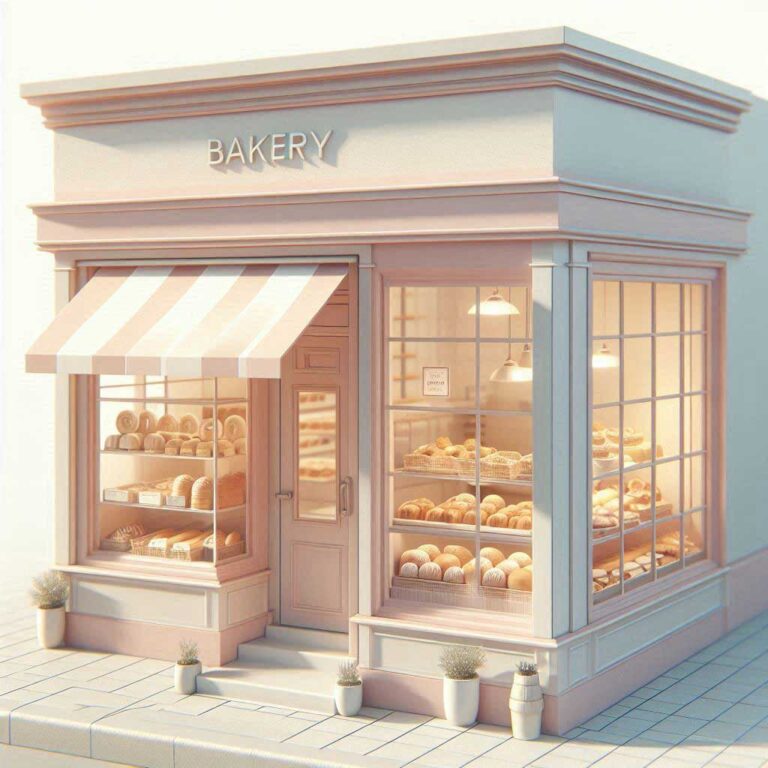
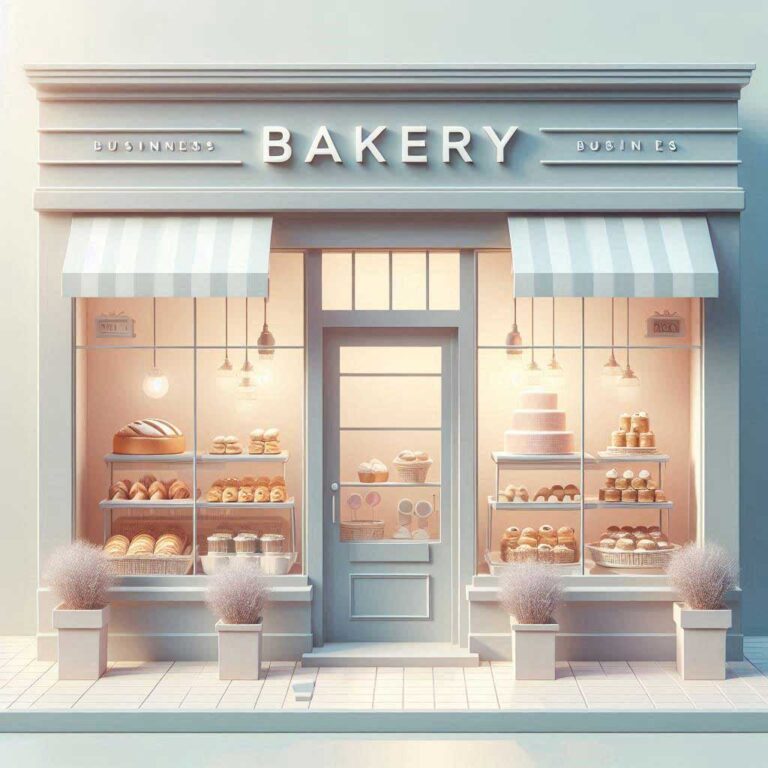
We created these images with DALL-E 3.
2. Google ImageFX
Best for High-Quality, Photorealistic Images
Access: labs.google/fx/tools/image-fx
Google ImageFX is Google’s experimental AI image generator It uses the Imagen model, which delivers very high-quality images, especially when it comes to realistic photography and artistic styles. The interface is extremely simple, and even someone with very little experience can start creating visuals in minutes.
Right now ImageFX is free because it is part of Google Labs There is no clearly published daily limit and you are able to generate many images per session. Google may enforce soft limits if someone pushes very high usage, but for a normal business owner like you, it will feel unlimited.
ImageFX is ideal for anyone who needs product photos, lifestyle shots, professional-looking blog visuals or concept images. It generates very clean and polished results that work well for social media posts or websites.
Pros
Clean and modern style
Very user-friendly
Sharp image quality
Free during Google Labs phase
Cons
Availability depends on location
Free access may change later
Free Plan Limits
Free to use with a Google account
No published daily limit (Google may throttle very heavy use)
Images include Google’s SynthID watermark for transparency
Best Use Cases
Product photos
Concept visuals
Blog header images
Realistic visuals for ads or landing pages
Pricing
Free: Currently free while in Google Labs
Paid: No pricing announced yet
Model
Nano Banana / Imagen 2, depending on rollout phase
Image examples generated with Nano Banana
We’ve generated image samples with the Nano Banana model using the below prompt:
Prompt: A soft, realistic photograph of a barista preparing coffee inside a small business café. Natural warm lighting, shallow depth of field, clean professional composition, 16:9.

We created this image with Nano Banana
3. Canva AI Image Generator
Best for Social Media & Easy Design Workflow
Access: www.canva.com/ai-image-generator
Canva is already one of the easiest design tools for non-designers, and its built-in AI image generator makes the entire process even quicker. You can generate an image inside the Canva editor and immediately add text, shapes, or branding or place it inside a template.
Canva gives you up to 100 free image generations per day, which is more than enough for any small business that needs social media content, website illustrations or promotional graphics.
The benefit of using Canva is not just the generation itself but how seamlessly it fits into your marketing workflow. You can create an image and instantly place it into a flyer, Instagram post, brochure or website mockup without leaving the platform.
Pros
Clean and modern style
Very user-friendly
Sharp image quality
Free during Google Labs phase
Cons
Availability depends on location
Free access may change later
Free Plan Limits
Perfect for people with no design skills
Directly integrates into templates and social media layouts
Good variety of artistic and modern styles
Very quick to use
Best Use Cases
Image realism is not as strong as DALLE or Google
Some generated images look generic
Pricing
Free: Around 100 images per day
Pro: $12.99/month (no extra AI credits, but more design features)
Model
Uses multiple internal models, including Stable Diffusion variations and proprietary Canva models
Image examples generated with Canva AI Image Generator
We’ve generated image samples with the Canva AIusing the below prompt:
Prompt: A flat colorful social media post design showing a coffee cup, abstract shapes, and a bold modern color palette. Minimalistic, friendly, Instagram-style composition, 1:1 square.
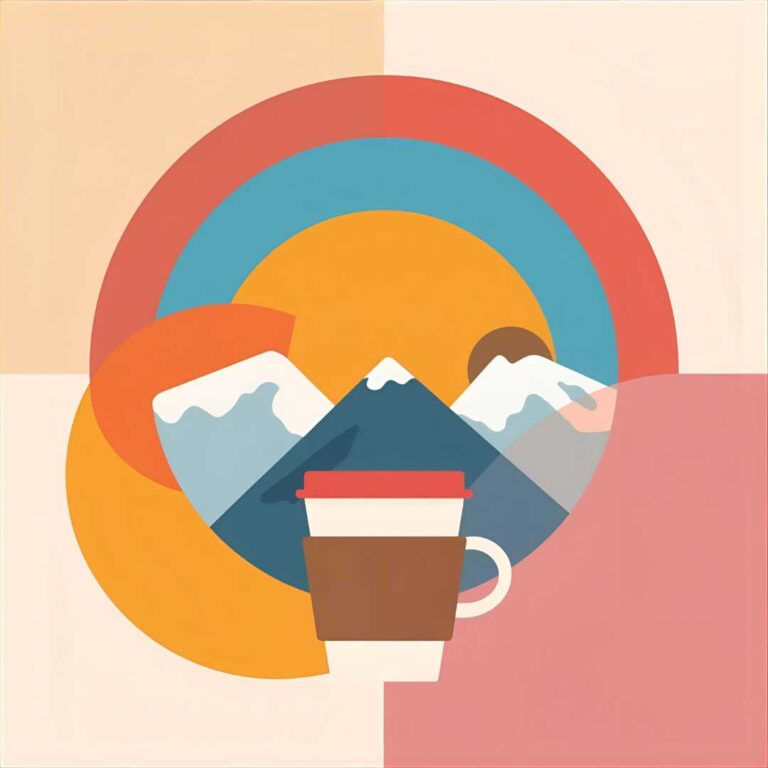

We created these images with Canva AI
4. Leonardo AI
Best for High Volume Content and Custom Styles
Access: app.leonardo.ai/image-generation
Leonardo is one of the most flexible and generous AI image tools available. The free plan gives you 150 image generations per day, which is extremely high compared to most platforms. If you need a lot of content, this is one of the best places to start.
Leonardo offers many different styles and models, giving you more control over how your images look than any other free tool. The interface is easy to understand and there are sliders for detail lighting style strength and more. This makes it perfect if you want to build a consistent visual identity for your business.
Paid plans are affordable if you ever need more volume. The unlimited relaxed mode is very practical for heavy users or agencies.
Pros
Up to 150 free images daily
Many artistic styles and models
Great for branding, illustrations, and bulk content
Can train your own styles for brand consistency
Cons
More settings than beginner-level tools
Free images appear publicly
Free Plan Limits
150 daily tokens → ~150 images per day
Images are public on the free plan
Strong commercial licensing
Best Use Cases
Bulk content creation
Branding style consistency
Blog illustrations
Product visuals
Pricing
Free: 150 images/day
Paid: $10–$48/month depending on credits
Model
Multiple proprietary models
Supports custom user-trained models
Image examples generated with Leonardo AI
We’ve generated image samples with the Leonardo AI using the below prompt:
Prompt:A vibrant stylized illustration of a street market scene with exaggerated lighting, rich colors, detailed textures, and energetic atmosphere. Semi-3D, creative and artistic. 16:9.
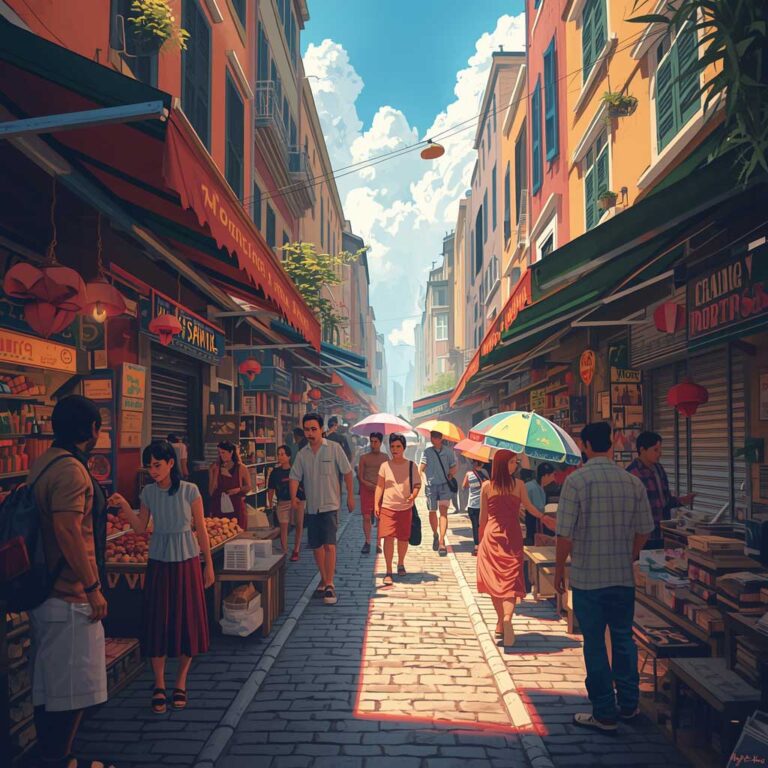
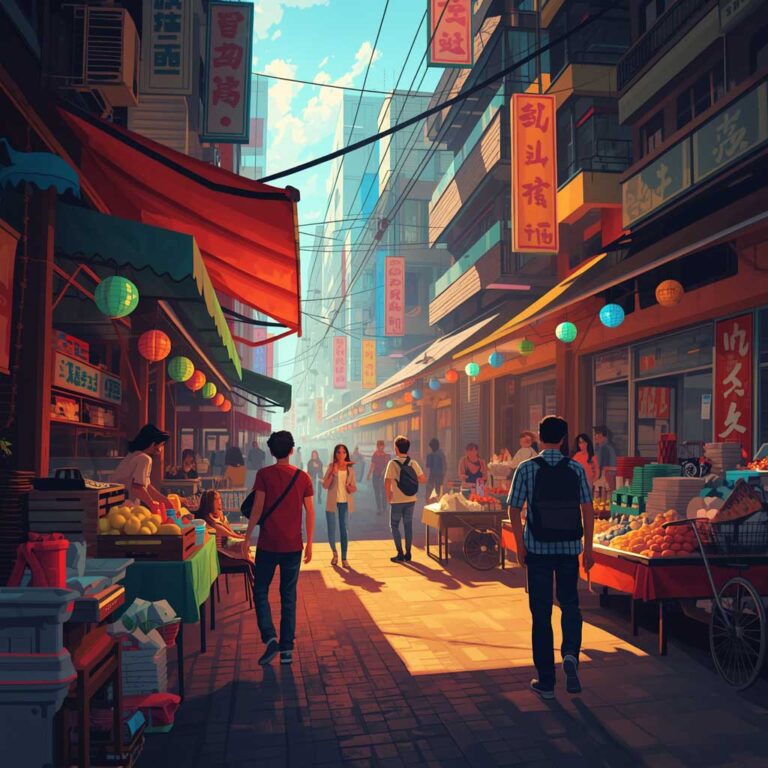
We created these images with Leonardo AI
5. Ideogram
Best for Logos and Images With Text
Access: ideogram.ai
Ideogram solves a unique problem. Most AI tools find it difficult to generate readable text inside images, but Ideogram does. This makes it extremely helpful for creating logo drafts, posters, signage, T-shirt designs or marketing images where written text is part of the visual.
The free plan gives you weekly slow credits which allow up to 40 images per week. The paid plans start very low and give far more daily generations. If you want AI to create graphics that include clean text Ideogram is the best tool available.
I also like how Ideogram handles style It produces bold, clean visuals that work well for small businesses that need promotional artwork.
Pros
Extremely safe for commercial use
Integrated into Photoshop and Adobe Express
Great for clean, professional designs
Cons
Free credits are limited
Paid plans are pricier than alternatives
Free Plan Limits
10 slow credits per week → up to 40 images weekly
Downloads are free
Commercial rights included
Best Use Cases
Logos
Posters
Social media ads with text inside
T-shirt designs
Pricing
Free: Limited monthly credits
Paid: $9.99–$19.99/month depending on the app
Model
Adobe Firefly 2 model
Image examples generated with Ideogram
We’ve generated image samples with the Ideogram using the below prompt:
Prompt:A clean modern poster with bold readable text that says Small Business Success, with simple geometric shapes, a minimal background, and a friendly color palette. High readability.
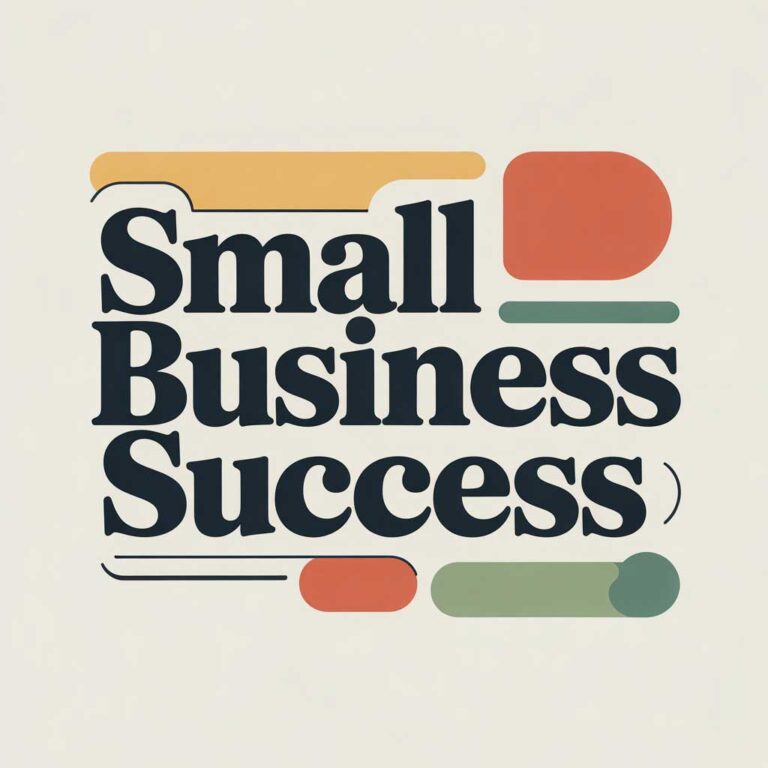
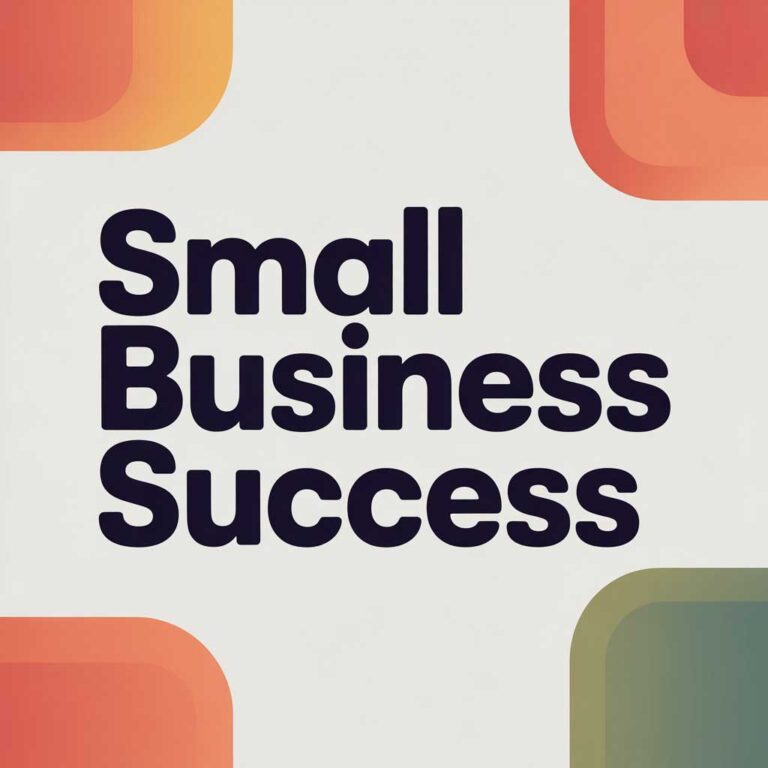
We created these images with Ideogram
Legal and Credits Information on using AI-generated images
When you use AI image generators for commercial use, such as using them on the different properties of your business, there are a few simple legal points you need to understand.
Most tools allow full commercial use, which means you can place the images on your website, social media ads or printed material without asking for permission.
However, the new EU AI Act introduces some rules about transparency. If you create images that realistically show people or events that never happened, known as deepfakes, you need to clearly state that the image is AI-generated. This rule helps avoid misleading the public and applies even to small business owners.
There is also a requirement for AI-generated content that relates to public interest reporting or anything that could influence the public. For example, news-style images, political images or anything that looks like documentary material. If a human reviews the image and takes editorial responsibility, the transparency requirement may be relaxed, but in most simple cases, it is better to mention that the image is AI created.
For normal business uses like social media posts, website illustrations. marketing graphics or product mockups, you usually do not need to label every image as AI-generated. However, if the image could be mistaken for a real person or a real event that never occurred, it is safer to disclose it.
A simple line is enough, such as:
“This image was created using AI tools”
Most AI tools also use metadata so they can mark AI content behind the scenes. This is normal and does not affect how I use the image commercially.
Overall, AI images are easy and safe to use for small business marketing as long as you stay transparent when the image could confuse or mislead people. If you are unsure, adding a short note keeps everything simple and compliant.
FAQ
Can I use AI generated images on my business website
Yes, in most cases you can use the images freely. Tools like Bing Image Creator, Canva Leonardo and Ideogram give you commercial rights to use the images. In general, you should avoid using prompts that mention real people, celebrities or trademarked characters.
Do I need design experience to use these tools
No, you do not need any design background. All the tools in this guide are made for beginners. Just type what you want to generate, and the AI creates the image for you. Canva and Bing are especially easy because the interface is simple and friendly.
Are AI images safe to use for logos
Yes, but with one important note. AI-generated logos are great for ideas and drafts. If I want a unique, fully protected trademark, you should have a designer refine it later. Ideogram is the best tool if you want AI-generated logos because it handles text correctly.
Do I need to credit the AI tool that created the image
No, most platforms do not require crediting the tool. You should add a small transparency note. In EU, under the EU AI Act (which starts applying in phases), you generally must denote that images are AI-generated if they are deepfakes or heavily manipulated, or if they are text/images for public interest reporting, unless a human has reviewed and taken editorial responsibility for them.