In 2026, your Google Business Profile is likely the single most important asset for your local visibility. If your profile looks dormant (no posts since 2021, old photos, ignored reviews), customers assume your business is dormant too.
But before we dive into how to manage and optimise your Google Buisiness Profile, we need to understand what it actually is and why it has become the gatekeeper of local business.
The “Digital Storefront”: What It Is & Where It Appears
Think of your Google Business Profile not as a listing, but as an interactive digital storefront. It is often the very first thing a potential customer sees about your brand—usually before they even know your website exists.
1. The “Map Pack” (The Gold Mine)
When a user searches for “coffee shop near me” or “plumber in [City Name],” Google doesn’t just show a list of websites. It shows a map with three businesses highlighted at the very top. This is called the Local Map Pack.
🔸 These three spots get the vast majority of clicks. If you aren’t here, you are invisible to most local searchers.
2. Mobile vs. Desktop Experience
On Desktop: Your profile appears as the “Knowledge Panel”, that big box on the right side of the search results containing your photos, maps, and reviews. It commands attention.
On Mobile: This is where the game changes. On a smartphone, your Business Profile takes up the entire screen. Users can call you, request directions, or read reviews with one tap.
The Era of “Zero-Click” Searches
Optimizing this profile so critical right now, because of a trend called “Zero-Click Searches.”
Today, more consumers are finding exactly what they need, your phone number, hours, address, and rating, without ever visiting your website. They see your Google Profile, they like what they see, and they drive to your store.
If your Google Profile is incomplete or outdated, you are losing both website traffic and physical foot traffic.
You don’t need a marketing agency to keep this asset polished. You just need a simple maintenance routine to signal to Google that your business is alive and active.
Do you have a profile yet?
This guide focuses on optimising an existing profile. If you haven’t claimed your business on Google yet, don’t worry, I can help you get started.
You can read the step-by-step guide on How to Appear in “Near Me” Searches to learn the basics.
Alternatively, you can register for free on the Rockmybiz Guides and follow the interactive setup guide, which will walk you through the verification process in minutes.
The “Digital Storefront”: What It Is & Where It Appears
Think of your Google Business Profile not as a listing, but as an interactive digital storefront. It is often the very first thing a potential customer sees about your brand, usually before they even know your website exists.
1. Use “Updates” as Free Billboards
Many owners ignore the “Add Update” button, but this is essentially free advertising space right on the Google Search results page. Unlike social media posts which are for engagement, Google Updates are for information.
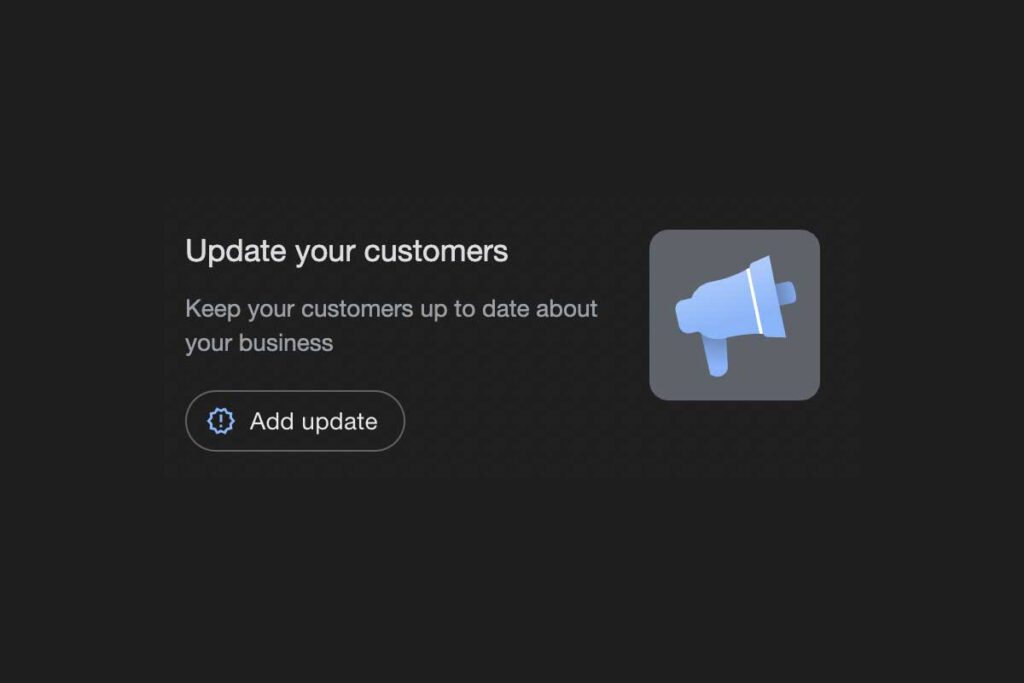
What to post:
Offers: “Buy one get one free on all lattes this week!”
News: “We are open late for the holiday season.”
Product Spotlights: “Check out our new summer menu arriving Tuesday.”
The Routine: Post one update per week. It keeps your profile fresh and gives users a reason to click.
2. The “Freshness” Signal: Add Photos Regularly
Google has explicitly stated that businesses with photos receive 42% more requests for directions and 35% more clicks to their websites than those without.
But here is the secret: You don’t need professional shots. In fact, for local businesses, “raw” photos often perform better because they prove you are real.
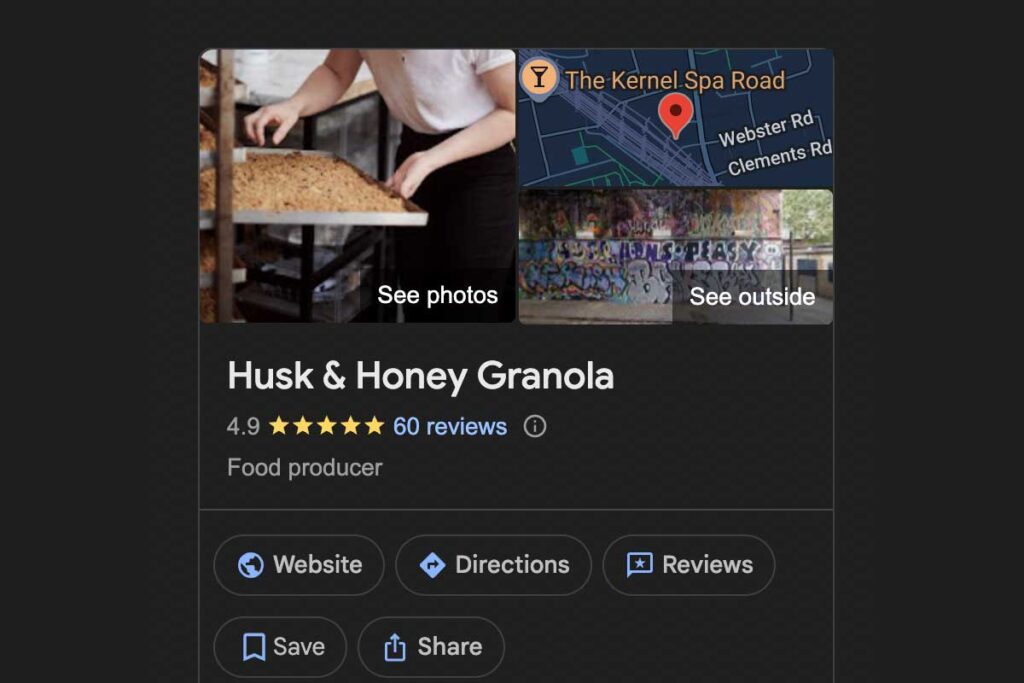
What to upload:
A quick snap of your team prepping for the day.
A customer (with permission) holding a product.
The view from your front door so people recognize your shop.
The Routine: Upload 1 new photo every week. It signals to Google that you are active and operational.
 You might also like: A Beginner’s Guide for Small Business Owners to Boost their Local SEO
3. The Trust Breaker: Accurate Hours (Especially Holidays)
If a customer searches for your business, they are likely looking for one specific thing: “Are they open right now?”
If your Google Profile says “Open” but your door is locked, you haven’t just lost a sale; you have likely lost that customer forever. That frustration often leads to an immediate 1-star review.
The “Special Hours” Feature: You don’t need to change your permanent hours every time there is a bank holiday or you close early for a staff party. Google has a specific “Special Hours” section. Using this feature tells Google, “We are usually open on Mondays, but this specific Monday we are closed.”
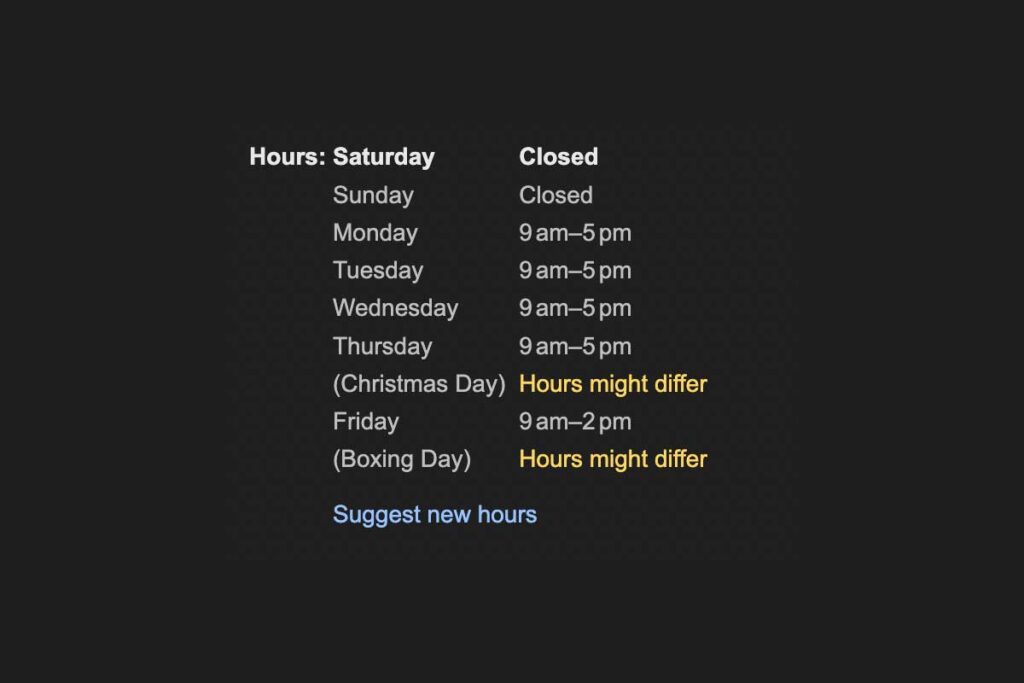
The Routine:
Check the Calendar: Once a month, look ahead for any upcoming holidays (National holidays, Easter, Christmas, etc.).
Set it and Forget it: You can input Special Hours months in advance. Set your holiday hours now so you don’t panic the day before.
4. Reviews: Response Rate Matters More Than Perfection
We have talked before about how to get reviews, but maintaining them is equally important.
Google looks at your Response Rate. If you only reply to positive reviews and ignore the negative ones (or vice versa), it hurts your visibility. You need to reply to everything.
For Positive Reviews: A simple “Thanks for visiting, see you next week!” reinforces loyalty.
For Negative Reviews: Speed is key. You want to show other customers that you care, even if the reviewer is being unreasonable.
💡 Pro Tip: Don’t know what to say?
Pro Tip
Writer’s block can stop you from responding quickly. If you are staring at a negative review and don’t know how to respond professionally, use the Rock My Biz Review Booster. It uses AI to instantly generate perfect, empathetic responses for you so you can save the relationship without the stress. Try the Review Booster Here
Your Weekly 10-Minute Maintenance Plan
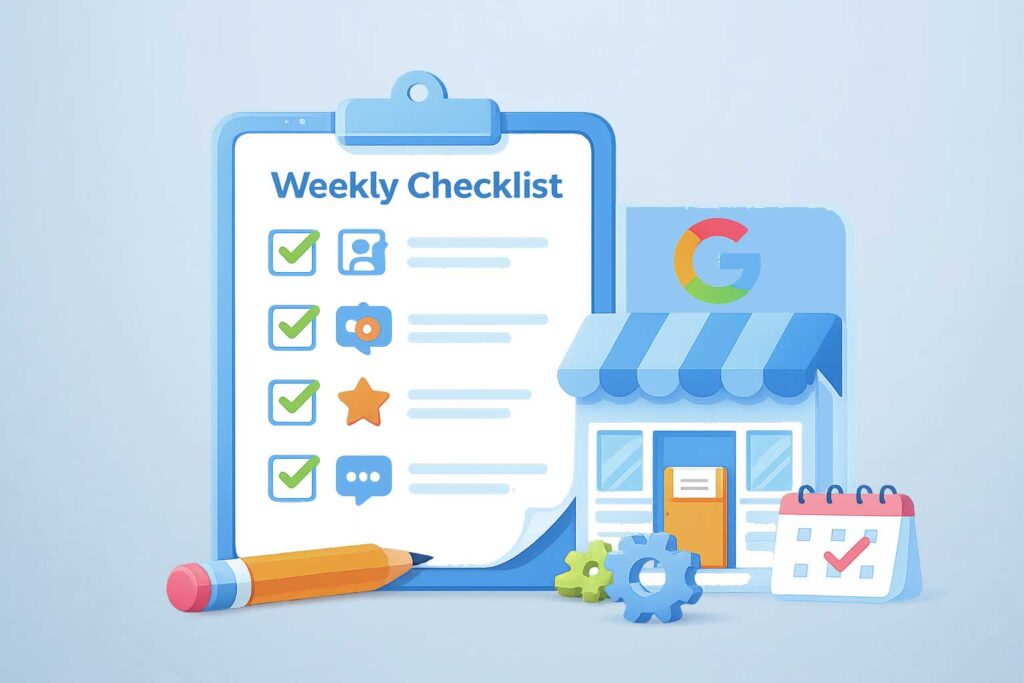
You don’t need to obsess over your profile every day. Just add this quick check to your Monday morning routine:
Post 1 Update: Share a weekly special or news (2 mins).
Upload 1 Photo: Snap a picture of your work/shop (1 min).
Check Hours: Confirm no upcoming holidays are missing (1 min).
Check Reviews: Reply to any new activity (5 mins).
That’s it. Ten minutes a week to tell Google (and your city) that you are open for business.